When it comes to optimizing user experience (UX), numbers from analytics platforms only tell part of the story. To really understand how visitors interact with your website — where they click, how far they scroll, and which areas they ignore — you need heatmaps.
Heatmap tools visualize user behavior, making it easier to spot usability issues and conversion bottlenecks. Below we’ll explore some of the best heatmap tools to help you improve website UX.
Contents
1. Hotjar
Hotjar is one of the most popular heatmap tools thanks to its simplicity and robust feature set.
Key Features:
- Click, move, and scroll heatmaps
- Session recordings to watch real user journeys
- On-site surveys and feedback polls
Why Choose It:
Hotjar gives you both behavioral data and user feedback in one place, which makes it perfect for teams looking to balance qualitative and quantitative insights.
2. Crazy Egg
Crazy Egg has been around for years and remains a favorite among marketers and UX specialists.

Key Features:
- Click and scroll maps
- Confetti reports (see clicks by source, device, etc.)
- Built-in A/B testing
Why Choose It:
If you want quick, actionable visual insights and lightweight testing tools, Crazy Egg delivers at an affordable price point.
3. Microsoft Clarity (Free)
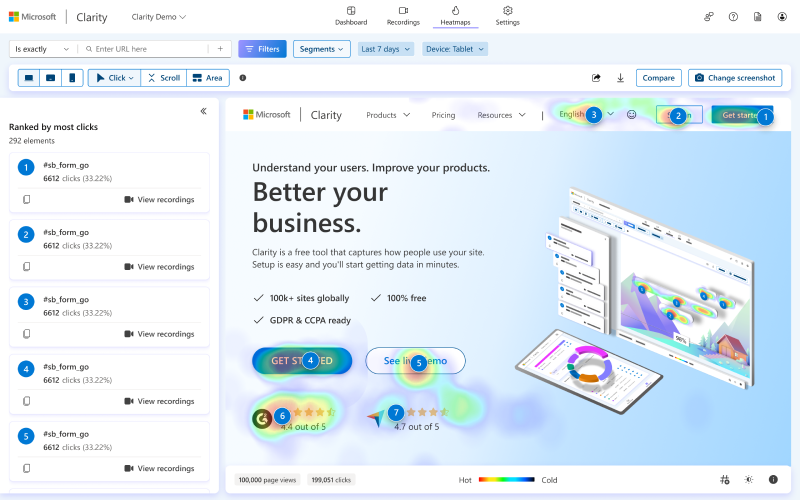
Clarity by Microsoft is a free alternative that packs a lot of value.
Key Features:
- Heatmaps (clicks and scrolls)
- Session recordings with rage-click and dead-click detection
- Unlimited data storage
Why Choose It:
It’s completely free, GDPR-compliant, and lightweight—perfect for startups, bloggers, or anyone new to heatmap analysis.
4. Lucky Orange
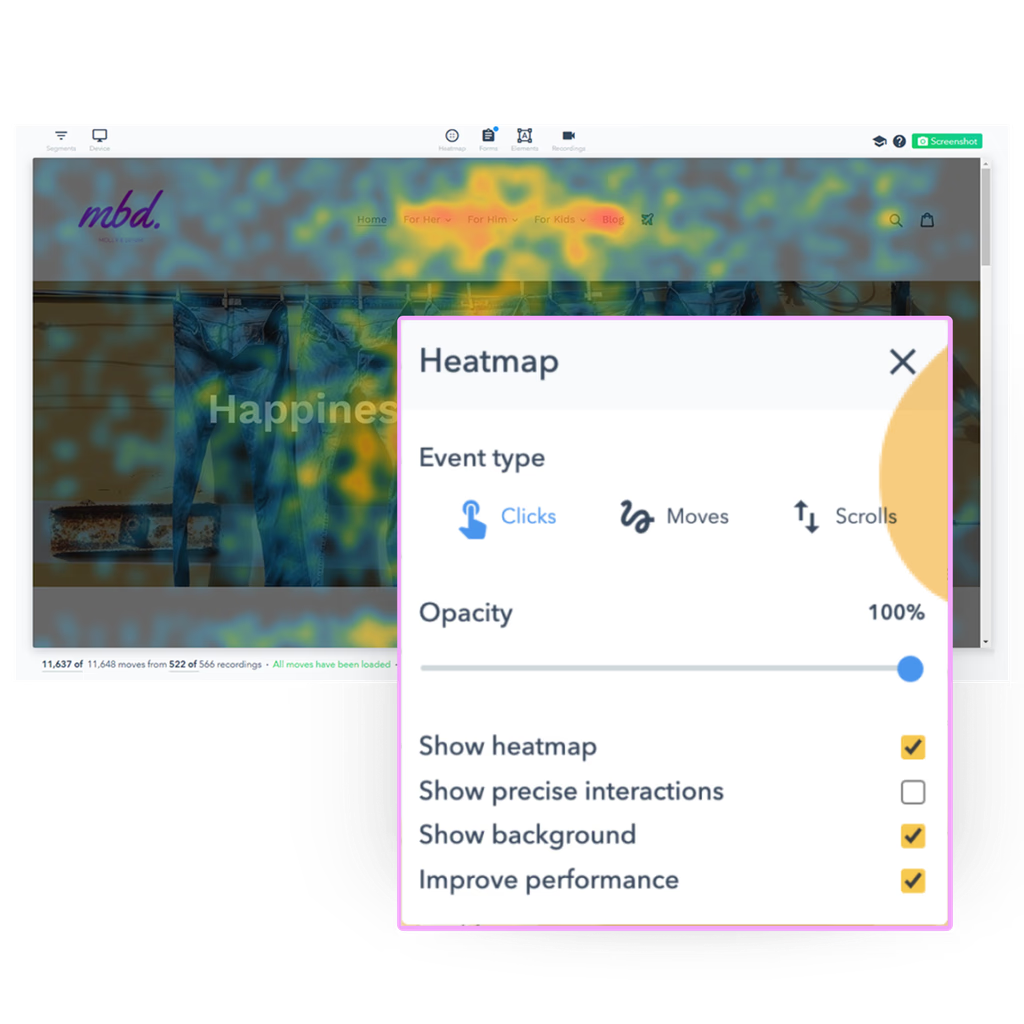
Lucky Orange is an all-in-one conversion optimization suite with strong heatmap capabilities.
Key Features:
- Heatmaps and session recordings
- Live chat and visitor polls
- Conversion funnels
Why Choose It:
If you want to see why users drop off at certain points, Lucky Orange’s funnels and recordings give you clear answers.
5. Smartlook
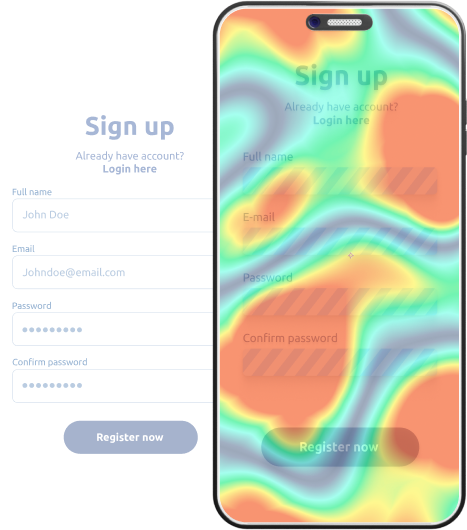
Smartlook combines heatmaps with advanced event tracking, making it a strong option for product and SaaS teams.
Key Features:
- Heatmaps (desktop & mobile)
- Session replays with event analytics
- Funnel analysis and retention tracking
Why Choose It:
Great for teams that need to go deeper into user behavior beyond just surface-level heatmap insights.
Final Thoughts
Heatmaps help bridge the gap between analytics data and real human behavior. Whether you’re a small business owner, marketer, or product manager, these tools can reveal UX issues that traditional analytics might miss.
- Hotjar and Crazy Egg are great for easy insights.
- Microsoft Clarity is the best free option.
- Lucky Orange and Smartlook shine if you need more advanced analysis.
👉 Start with one, analyze how users interact with your site, and make incremental improvements. Small UX changes often lead to big gains in conversions and customer satisfaction.
